19 October 2024
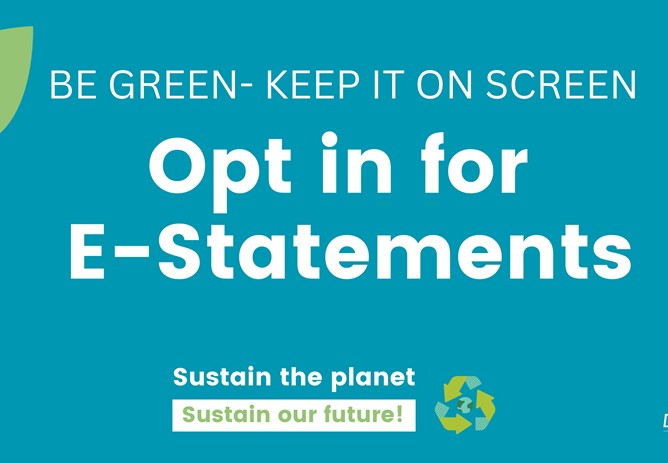
Member Opt in for E-Statements
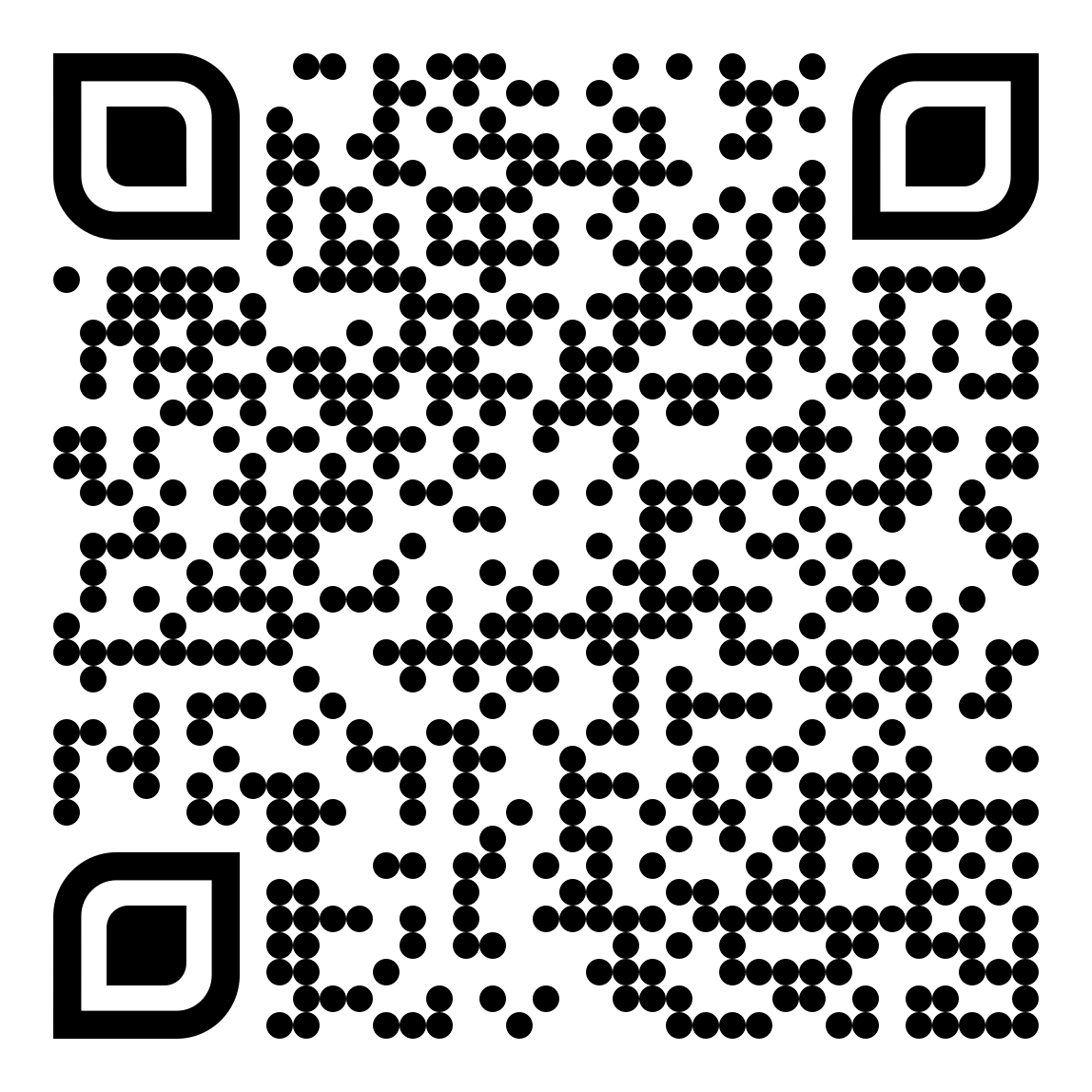
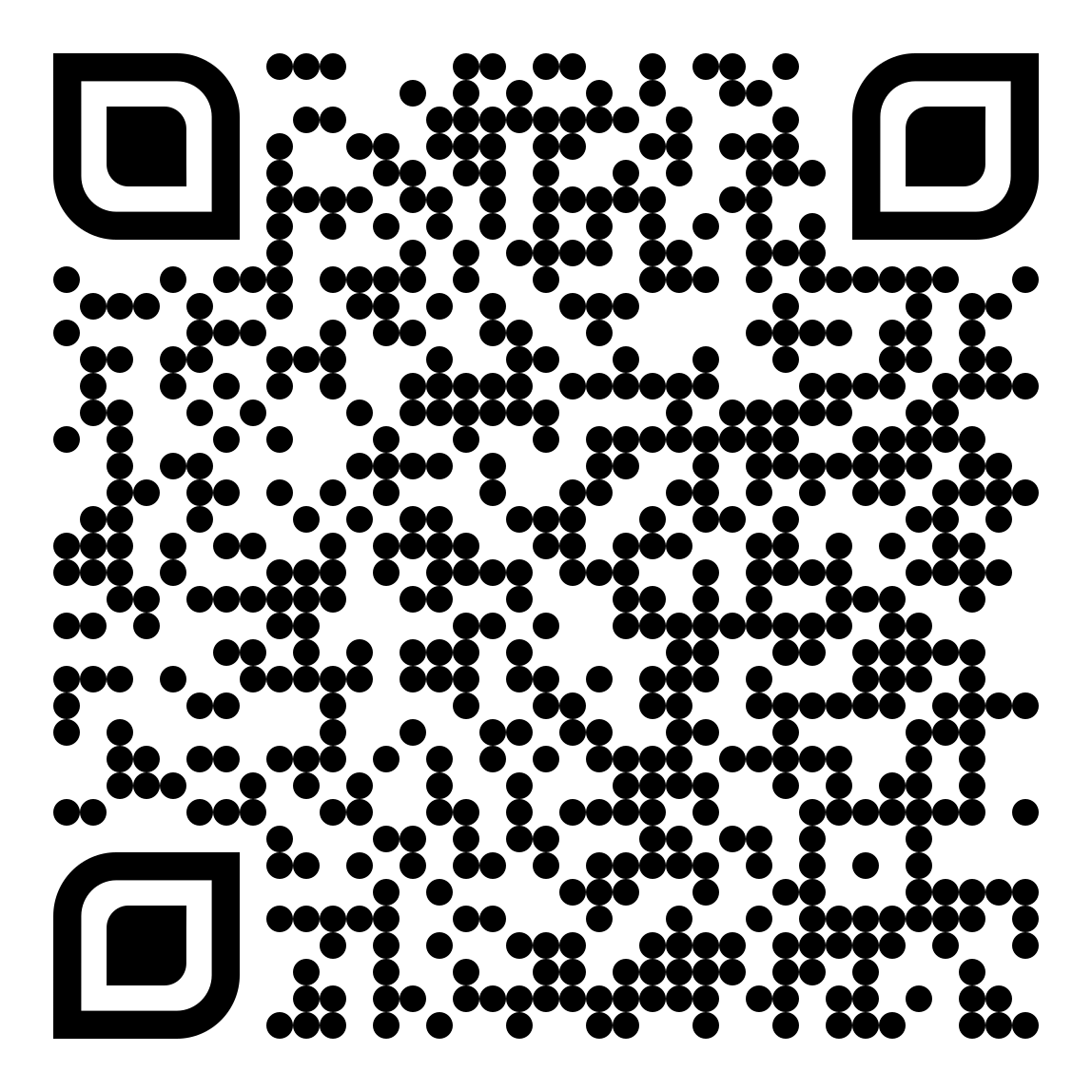
Ahead of annual member statements being posted out and as part of our commitment to building on existing measures for a more sustainable Credit Union, we are asking our members to consider opting In for E-Statements through their Online account or follow link below for more information.
To opt in for e-statements:
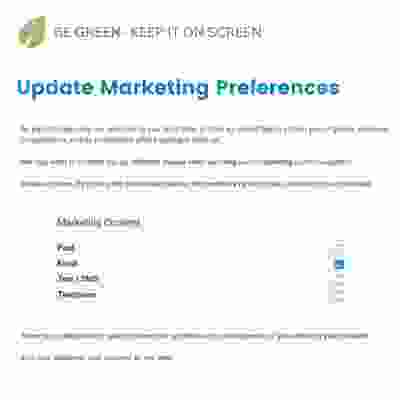
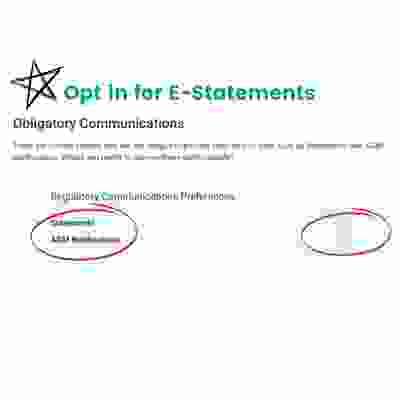
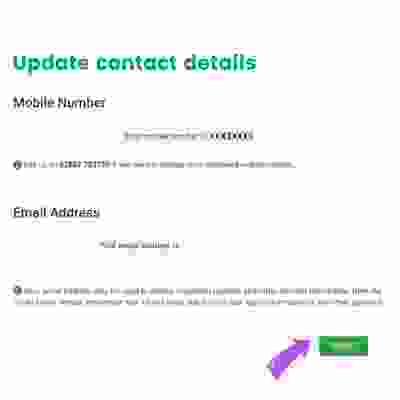
 Go to Online Banking sectionSelect "e-statements" in menu on left and SubmitYou will then be asked to update your Marketing consent,Opt in for AGM and Statement preferencesCheck mobile and email details.Please then click Submit
Benefits of using e-statements:
Security: Only you can log in and view your documents.
Convenience: All your documents are in one place.
Accessibility: You can view, download, or print documents at any time.
Environment: You can help save paper and conserve the environment.
 To view your e-statement, you will need a PDF viewer program, such as Adobe Acrobat Reader, free from the Adobe website.Member details are for DCU only and will be not shared with any third parties. If you are not registered for online access register on website homepage or contact the office on 028 87723729Minor accounts are excluded from online e-statement option, printed statement will be sent out.